Our apps
Six apps. One job each.
Every SeePractical app is built to do one thing really well — and all six are live on Google Play. Here's exactly what they do and who they're for.

Period & ovulation tracker
Avenra
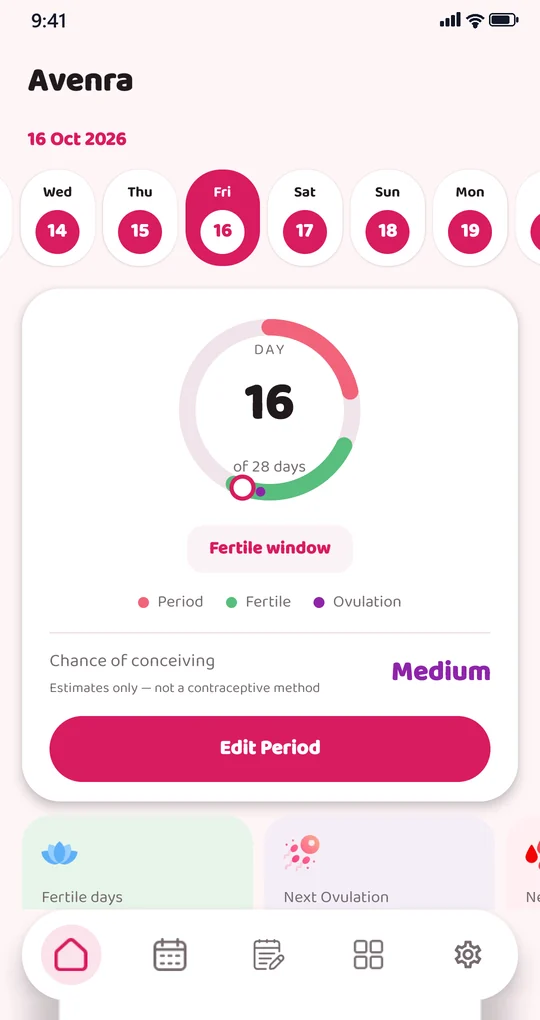
A calm, private companion for your cycle. Log your period, see your fertile window and ovulation day at a glance, track symptoms, flow and mood, and get gentle reminders before your next period — with your health data kept on your device.
Highlights
- Cycle & ovulation calendar
- Fertile window & period predictions
- Symptom, flow & mood logging
- Period & fertility reminders
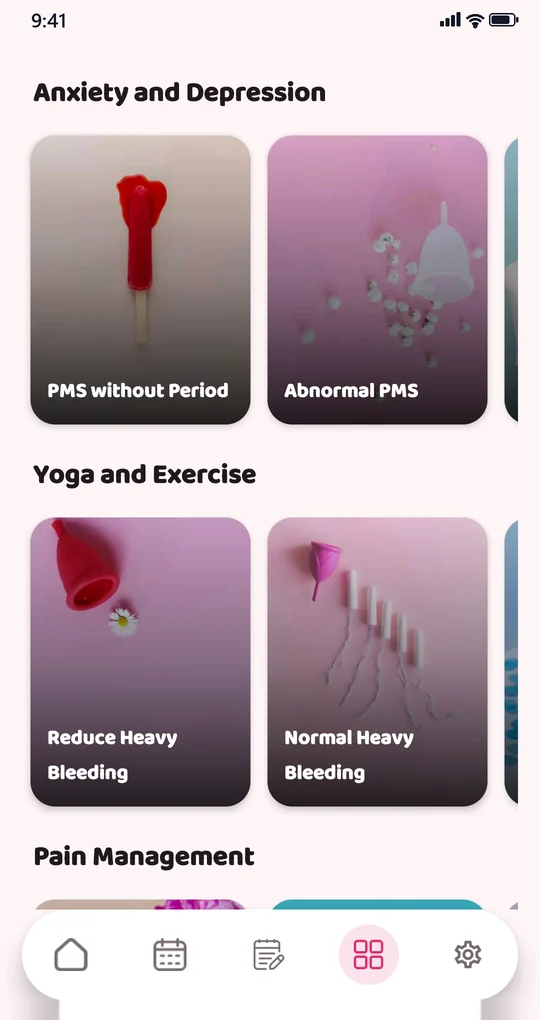
- Women's health guides
- Private & works offline
Built for
Predictions are estimates — Avenra is not a contraceptive method or medical advice.
Get it onGoogle Play — Avenra (opens in a new tab)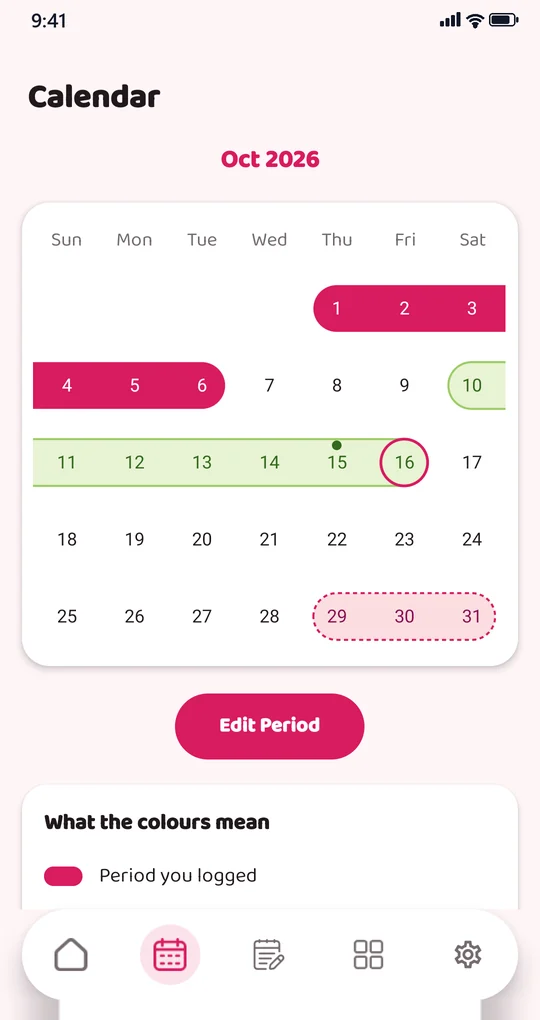
Document viewer
All Document Reader Lite
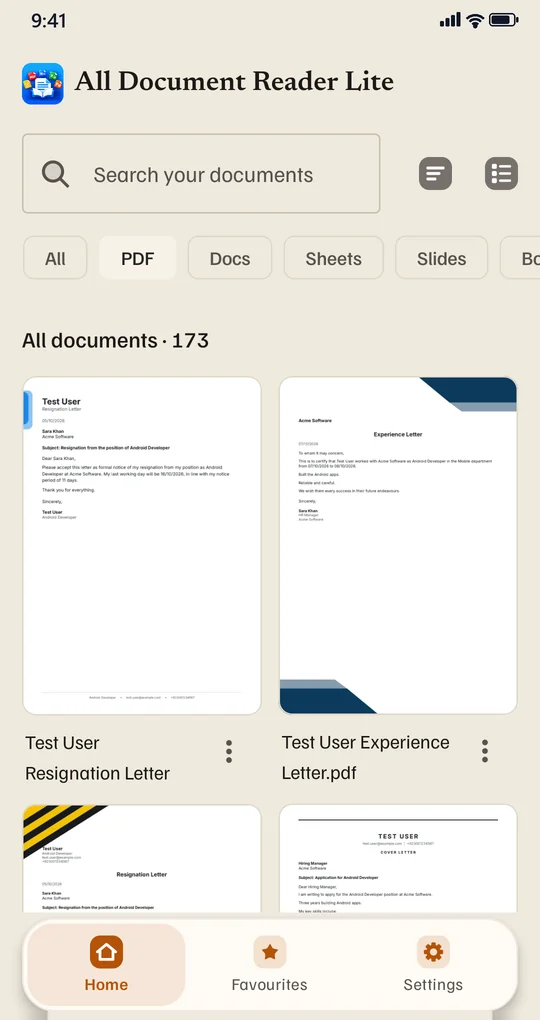
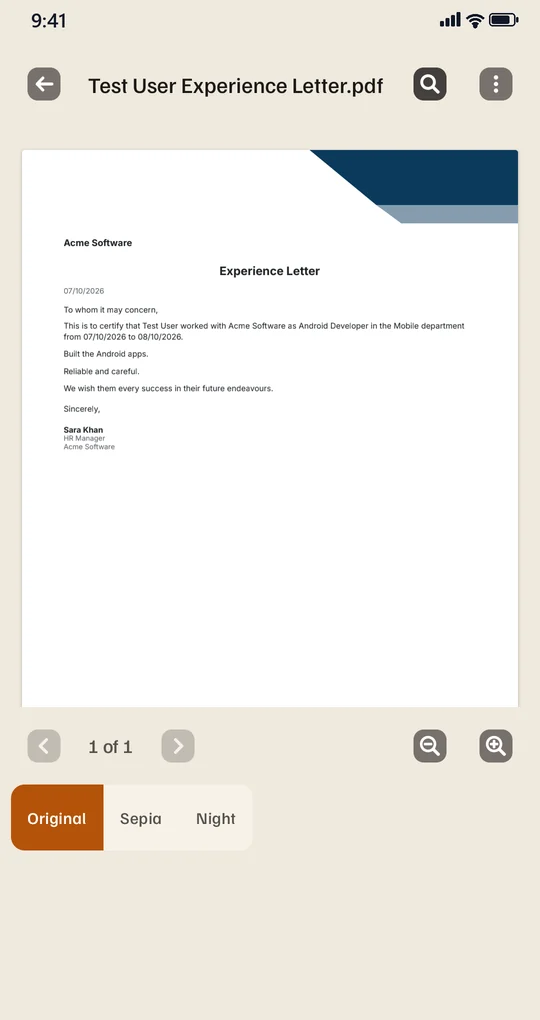
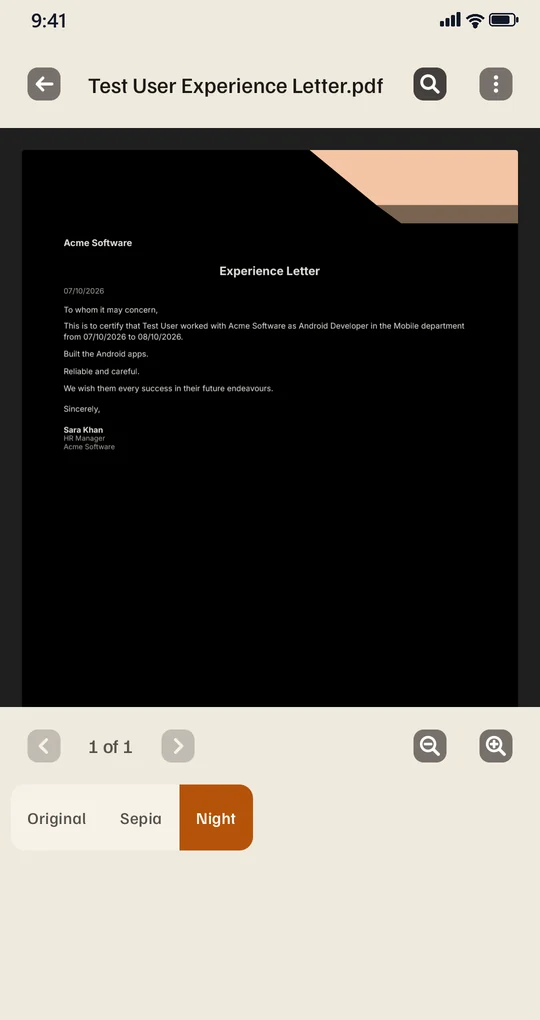
One lightweight reader for every document on your phone. Open PDF, Word, Excel, PowerPoint, TXT, CSV and JSON files, browse your library by type, search and star favourites, and read comfortably in original, sepia or night mode — no internet needed.
Highlights
- PDF, DOC/DOCX, XLS/XLSX, PPT/PPTX
- TXT, CSV & JSON viewer
- Original, sepia & night modes
- Search, filters & favourites
- Light & dark themes
- Lightweight & offline
Built for

GPS map camera
Geo Tag Camera
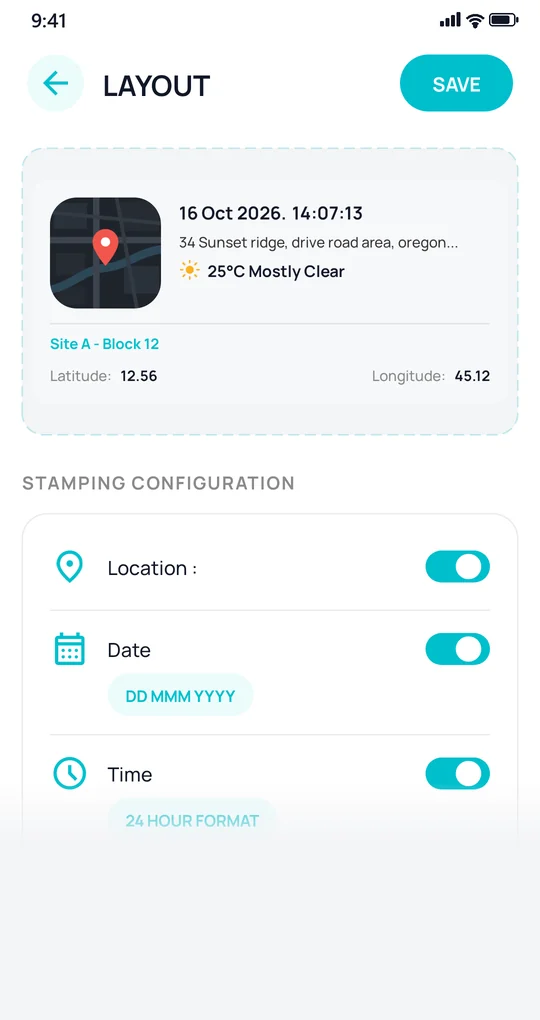
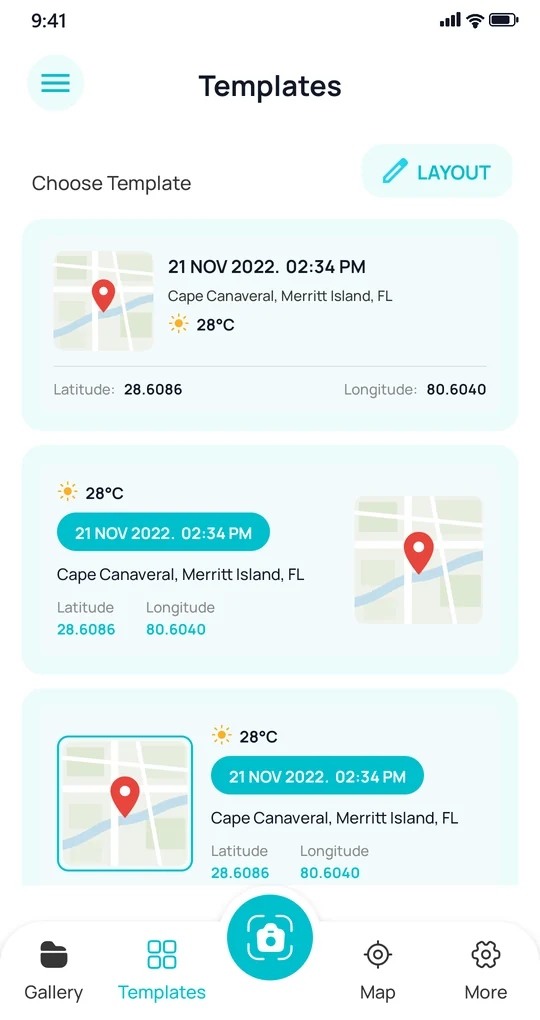
Capture photos and record videos stamped with customizable templates that overlay the location, address, weather, date/time, and other metadata directly onto the media — perfect for proof-of-work and record keeping in the field.
Highlights
- Customizable overlay templates
- GPS latitude/longitude & address
- Live weather & date/time stamps
- Photo & video capture
Built for
PDF voice reader
PDF to Audio
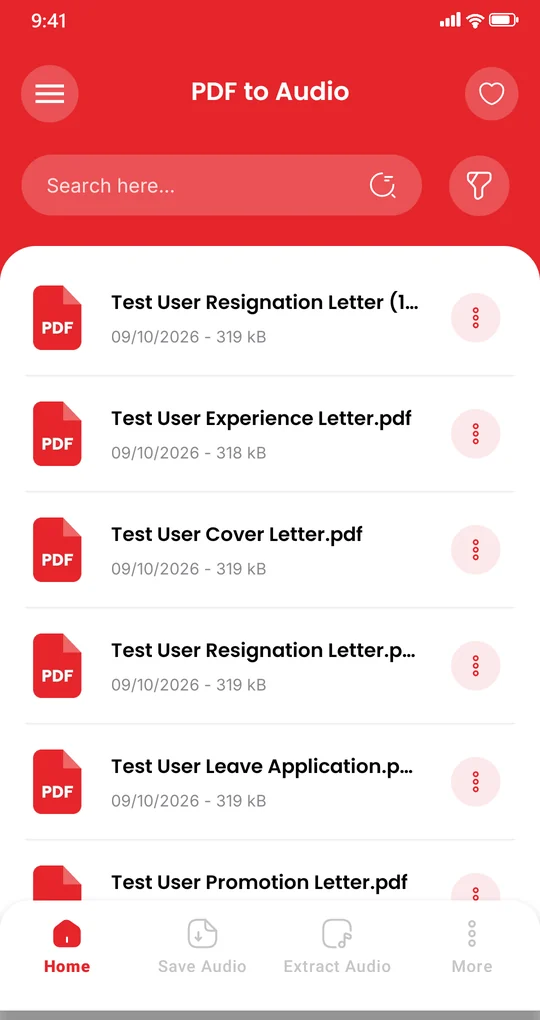
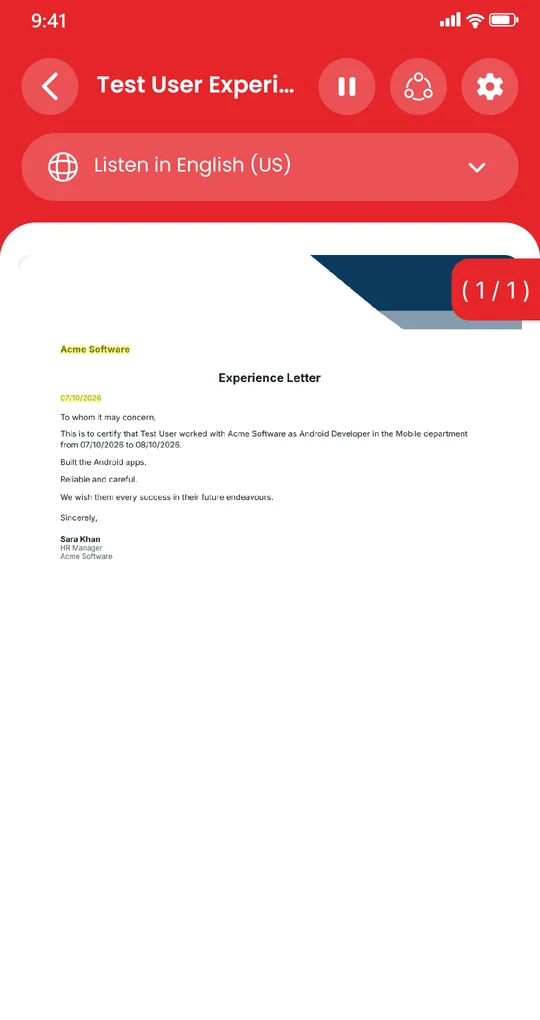
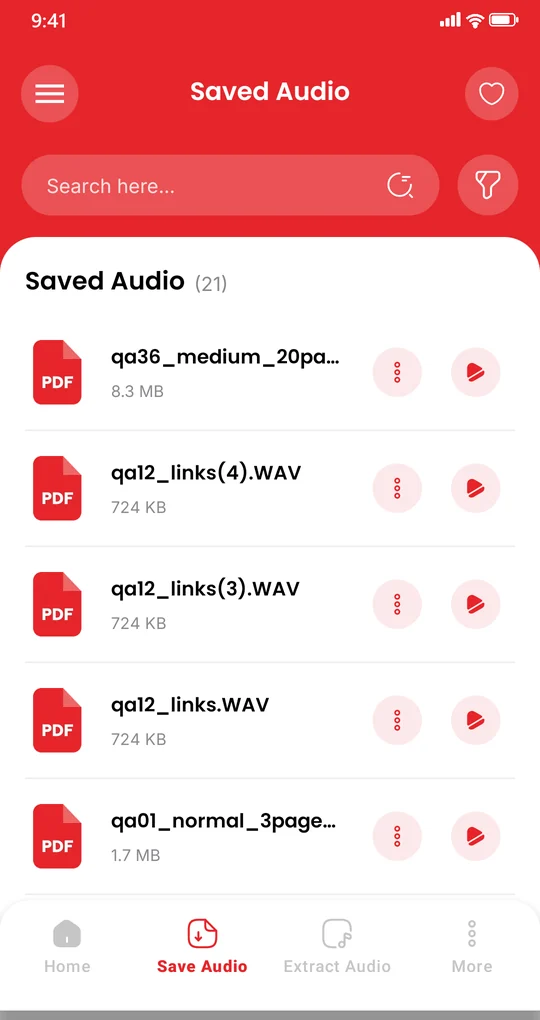
Listen to your PDF files as natural speech. Play any PDF aloud, and extract and save the audio as a file so you can keep listening offline later — turn reading time into listening time.
Highlights
- Natural text-to-speech for PDFs
- Play any PDF aloud instantly
- Export & save audio files
- Offline listening
Built for

Scan & create codes
QR Scanner & Generator
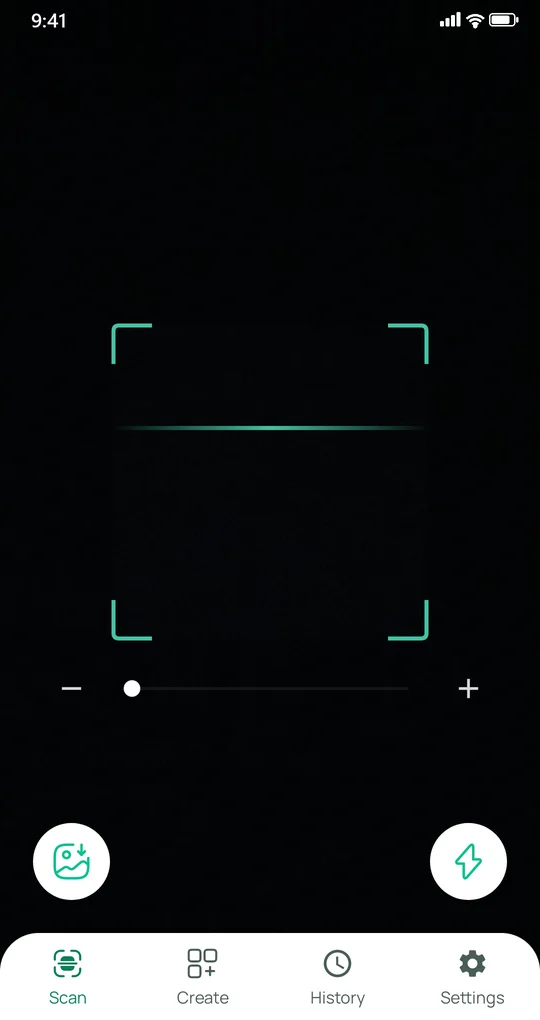
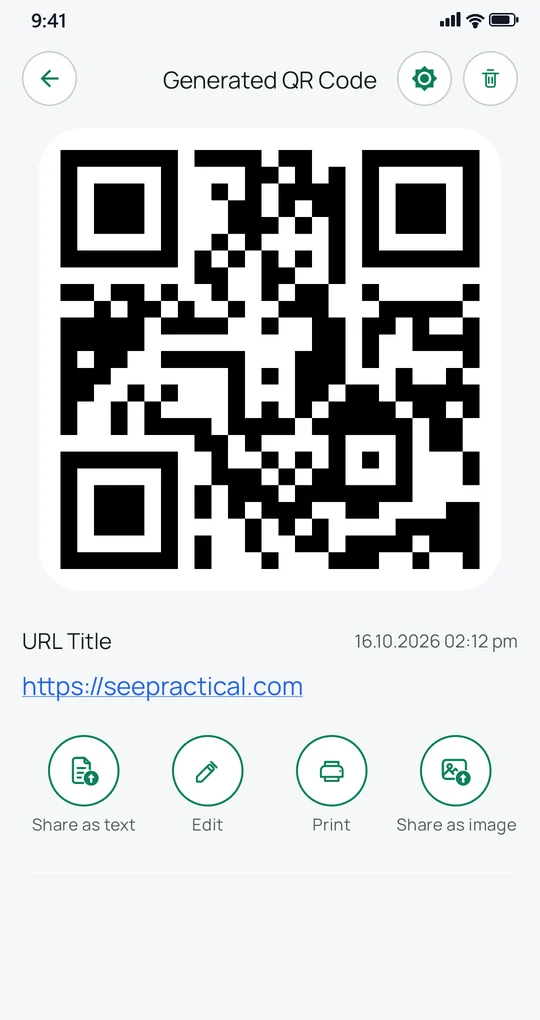
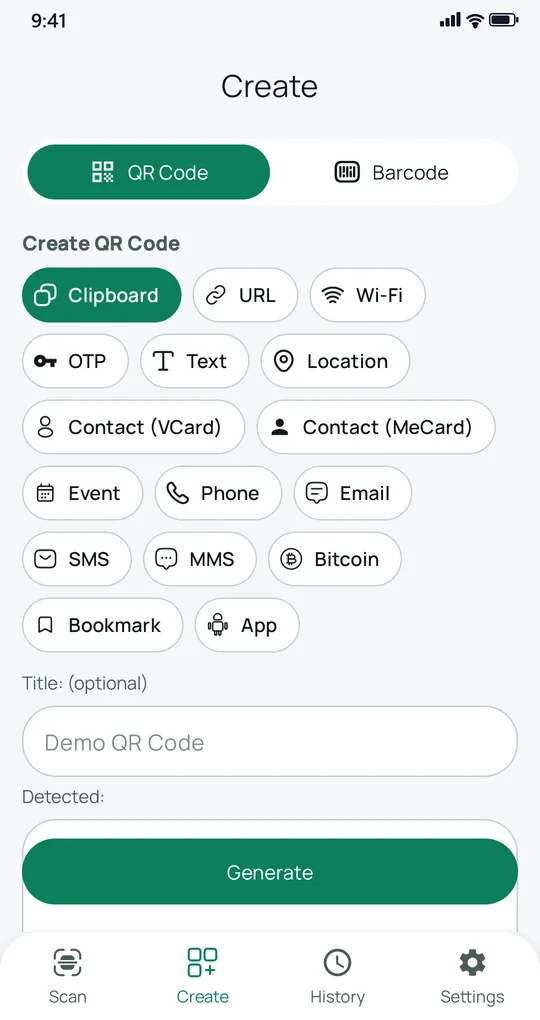
Scan any QR code or barcode in an instant, then create your own — for links, plain text, Wi-Fi, or contacts. Fast and clean, with a tidy history of everything you scan and generate.
Highlights
- Instant QR & barcode scanner
- Generate codes: URL, text, Wi-Fi, contact
- Scan & create history
- Share or save as an image
Built for

Budget & expense tracker
Expense Manager
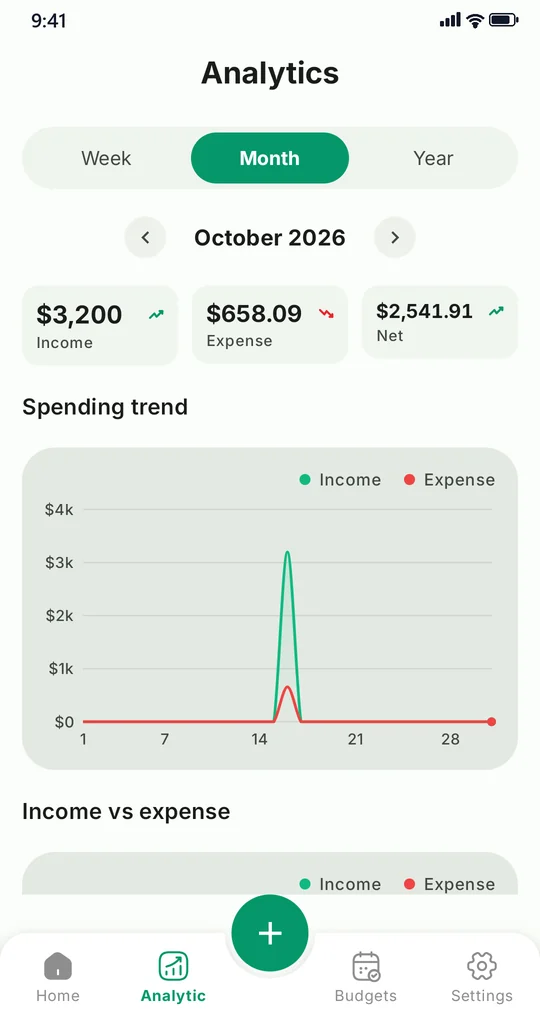
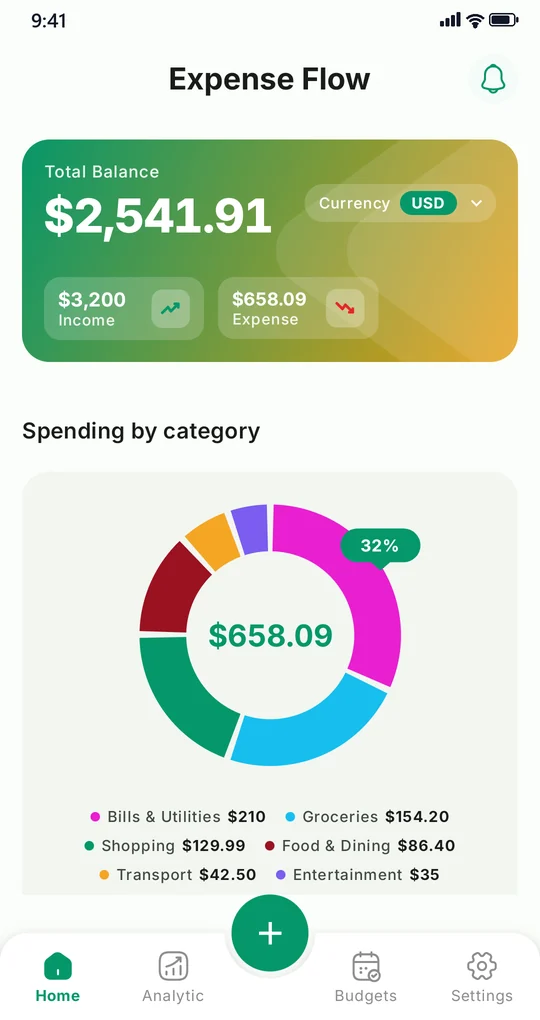
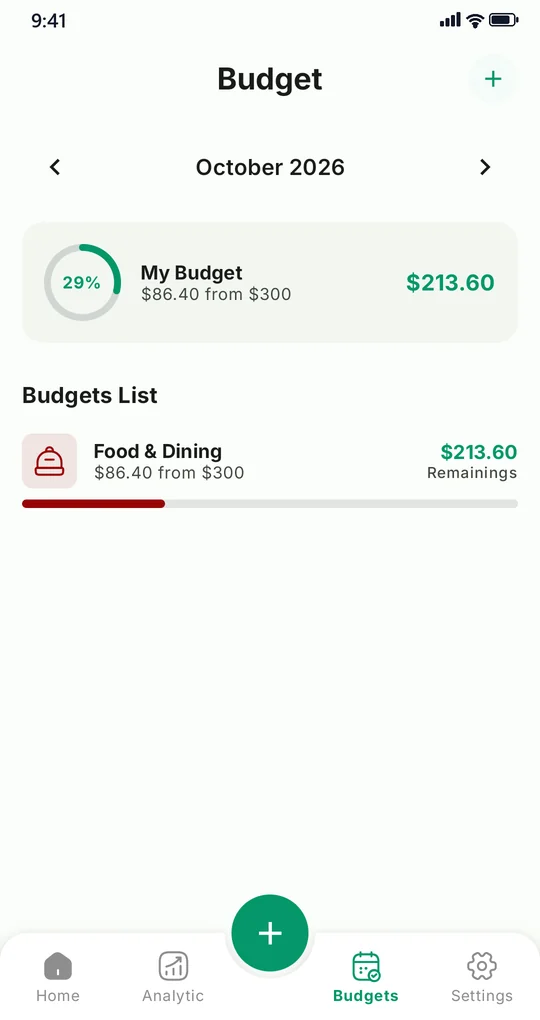
Track spending and income, set budgets by category, and see exactly where your money goes with clear charts. Quick to log, easy to understand — and it works offline, with your data kept on your device.
Highlights
- Log expenses & income in seconds
- Budgets & limits per category
- Visual charts & monthly insights
- Works offline, data stays on device
Built for
All six apps are live on Google Play
Download them free and let us know what you think.